🌟软件介绍
Snipaste is a simple but powerful snipping tool, and also allows you to pin the screenshot back onto the screen. Download and start the application, press to start snipping, then press to paste it as a floating window. That's it! F1F3
You can also convert text or color info in the clipboard into a floating image window. Such windows can be zoomed, rotated, flipped, made translucent, and even made click-through! If you are a programmer, a designer or whoever works much time before the computer, you will be surprised how it can help you get your work done more efficiently!
Snipaste is easy and intuitive to use, but there are also many hidden features that can make your life even more efficient. Read the manual if you are interested.
Snipaste是一个简单但功能强大的截图工具,还允许您将屏幕截图固定回屏幕上。下载并启动应用程序,按下开始截图,然后按将其粘贴为浮动窗口。就是这样!F1F3
您还可以将剪贴板中的文本或颜色信息转换为浮动图像窗口。这样的窗口可以缩放,旋转,翻转,半透明,甚至点击!如果您是程序员,设计师或任何在计算机之前工作很长时间的人,您会惊讶于它如何帮助您更有效地完成工作!
Snipaste易于使用且直观,但也有许多隐藏的功能可以使您的生活更加高效。如果您有兴趣,请阅读手册。
功能:
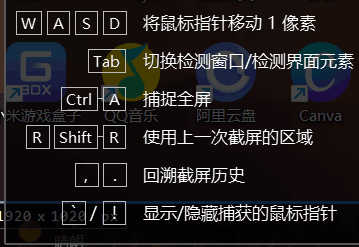
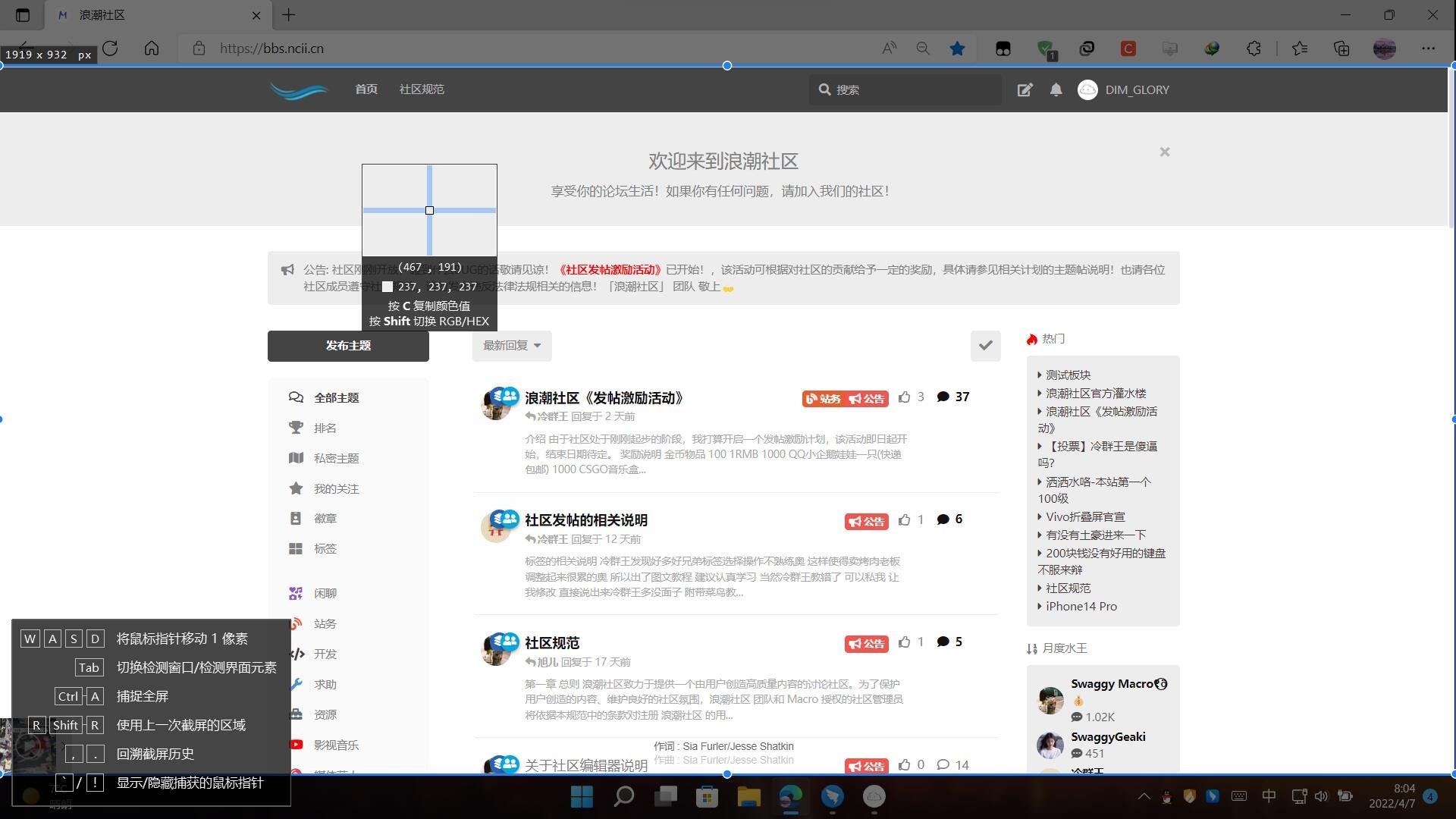
1.截图
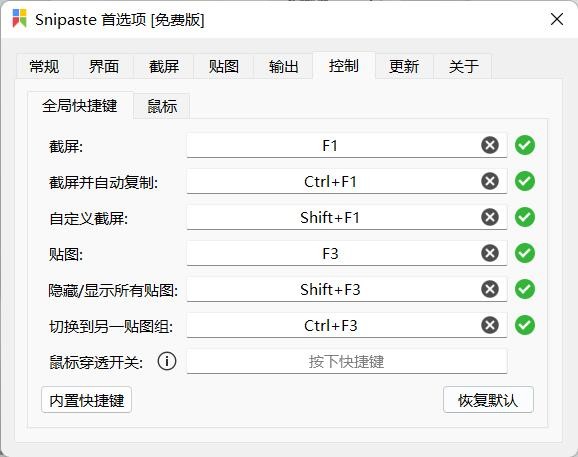
默认按下F1进行截图,可更改
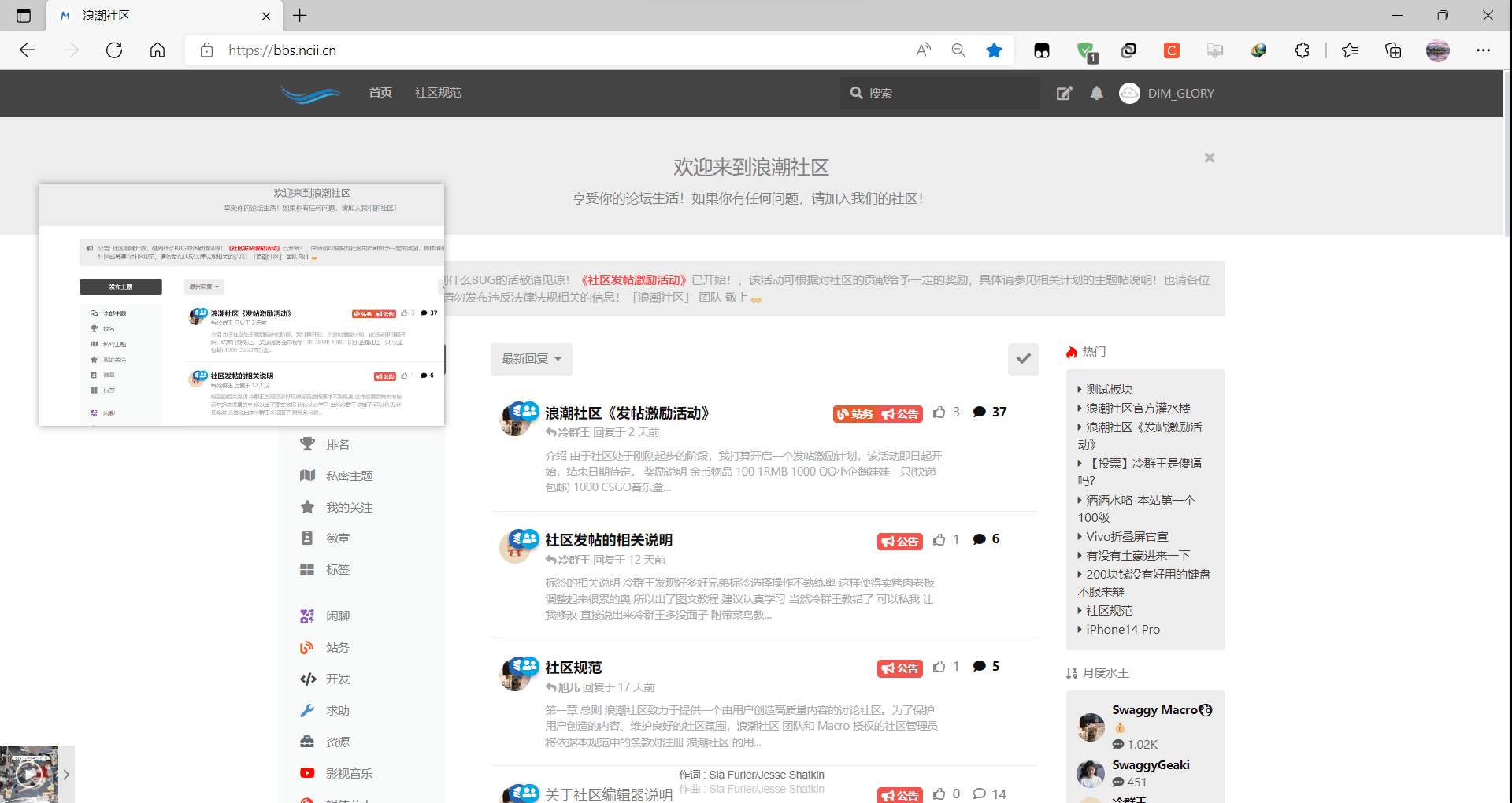
2.贴图
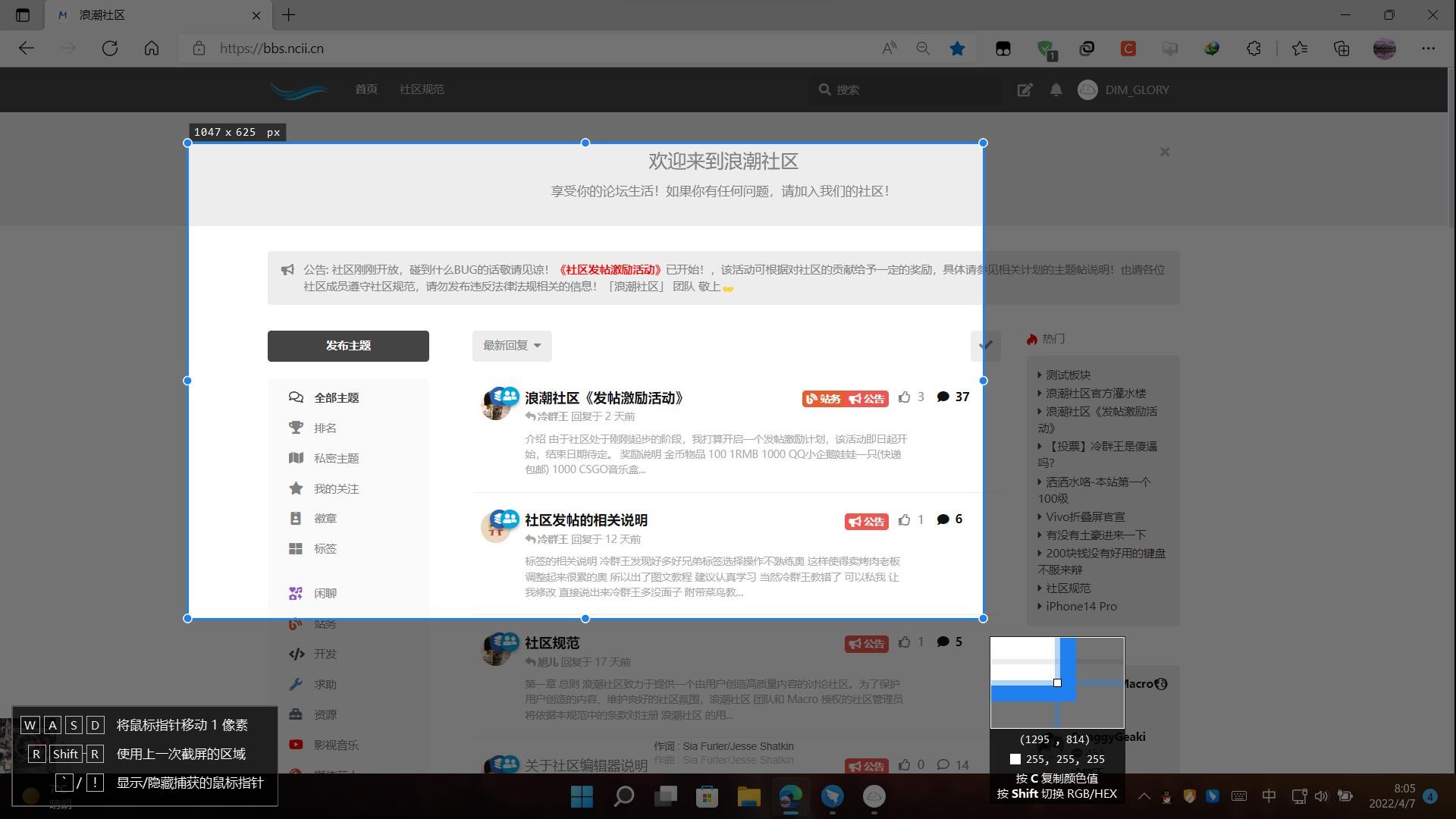
默认按下F3贴图,可以始终置顶的形式贴在窗口上
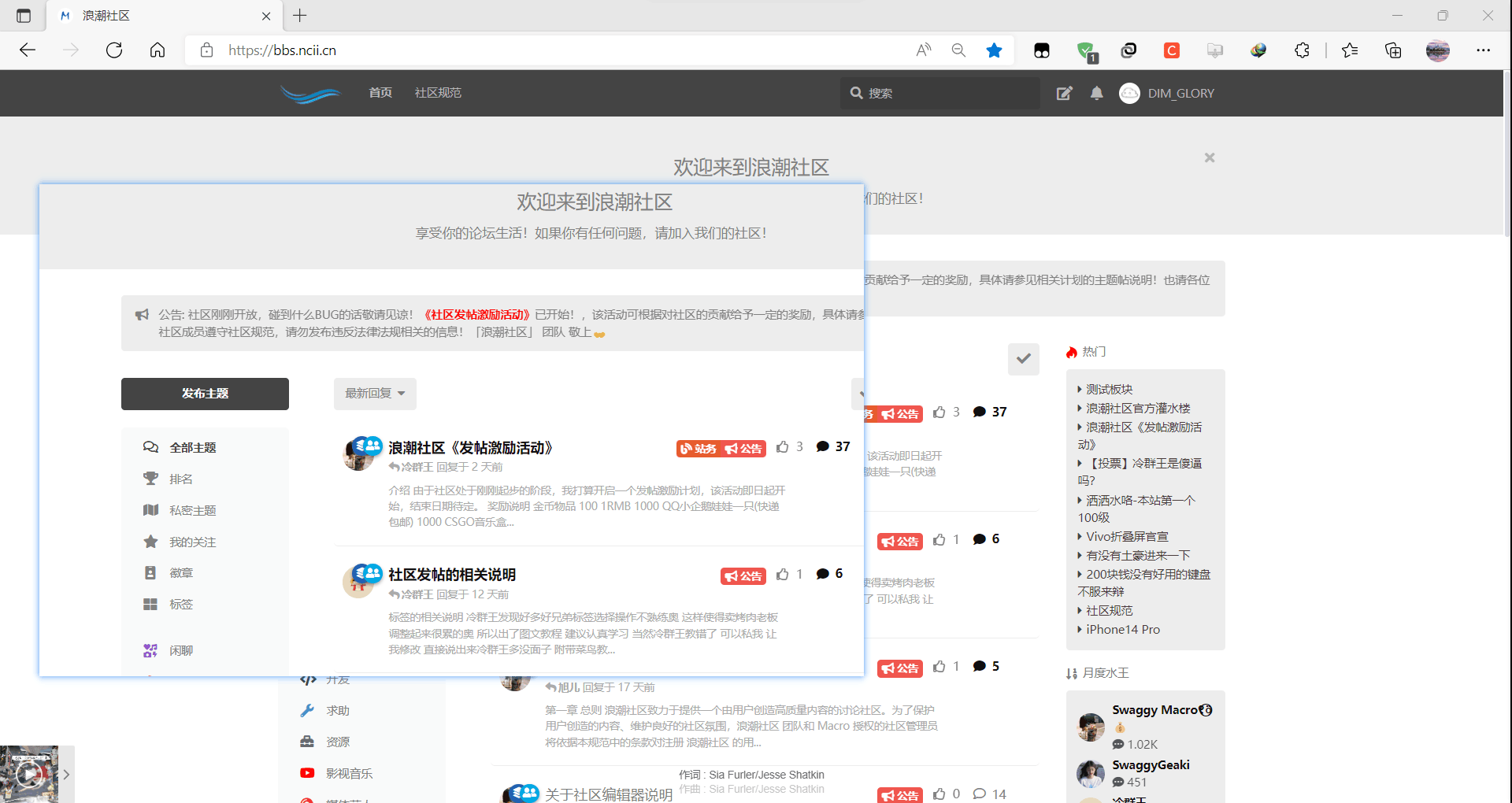
可调整大小
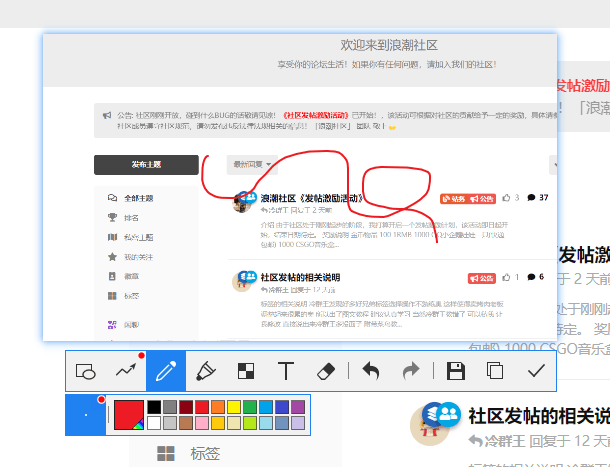
可编辑
🔗软件下载
官网下载
官网链接:https://www.snipaste.com
阿里云盘下载
版本:2.7.3-Beta-x64
文件大小:15M
下载链接:https://www.aliyundrive.com/s/CKBzkpgD9oG
🖼️软件截图